
Formerly known as Prep App, Sprout has been pushing its ads heavily on TikTok and other platforms. But does it actually live up to the expectations of real job seekers? or is it mostly hype?
I’ll take the lead in this guide by testing the tool myself.
I’ll review its AI applications, job tracker, and resume builder. I’ll also compare its pricing with other tools in the space (to see whether it actually fits your budget).
TL;DR
Sprout is an AI-powered job application tool built around automation, speed, and consolidation. It collects a lot of information upfront, then uses that data to apply to jobs on your behalf with minimal manual effort.
The tradeoff is control. You can move fast, but you give up the ability to fine-tune resumes, edit cover letters, or meaningfully test the product before paying. The onboarding is long, and access to real functionality only comes after hitting a paywall.
Who it’s best for:
- Job seekers applying to standard, well-defined roles
- People who want everything in one dashboard (jobs, applications, emails)
- Users who can trust automation with minimal oversight
- Those who prefer speed and volume over customization
Key features at a glance:
| Feature | Available in Sprout |
| AI job application search | Yes |
| Automated apply | Yes |
| Job board with filters | Yes |
| Resume builder | Yes (AI-generated) |
| Cover letter generation | Yes (AI-generated) |
| Manual editing of documents | No |
| Application auto-fill | Yes |
| Email integration & inbox | Yes |
| Job application tracker | Yes |
| Mobile app (iOS & Android) | Yes |
| Free trial | No |
| Weekly & monthly pricing | Yes |
Automate Your Job Applications with AI 🚀
Try the leading AI Copilot for job seekers – autonomous, safe, fully personalized, and trusted by 100,000+ users to land interviews faster.
Check Out JobCopilot →Pros
- Clean, easy-to-use interface
- Strong email integration and application categorization
- Centralized profile with detailed data for automation
- Mobile apps for iOS and Android
Cons
- No real free trial for core features
- Long and tedious onboarding process
- No manual editing of resumes or cover letters
- Occasional irrelevant job suggestions
- Costs increase quickly as application volume grows
Why You Can Trust This Review
Plenty of reviews rehash feature lists. That’s not what’s happening here.
I actually went hands-on and tested Sprout’s core features instead of judging it from the landing page. I’ve also tested a wide range of AI job-hunting tools before this, so I know what’s standard in the industry, what’s genuinely useful, and what usually looks better in marketing than it works in practice.
Here’s what that means for this review:
- I personally tested Sprout’s key features
- I’ve used and reviewed multiple AI job search tools before, so I have real benchmarks
- I’m evaluating Sprout from a job seeker’s point of view
- I’ll include screenshots of real user reviews where available
How Sprout Works for Job Hunting
Sprout promotes a “get started for free” message, which means you can create an account and go through the onboarding process without paying upfront.
However, access to the platform does not include a true free trial of its core job-search features. You’re required to choose a paid plan before you can actively apply for jobs.
The onboarding process itself is the longest and most tedious I’ve seen among AI job search tools.
Note: During onboarding, Sprout surfaces a lot of self-promotional statistics and claims about outcomes and success rates. I’ve intentionally left those out of this review to keep it focused, practical, and useful, rather than repeating marketing numbers that are hard to verify during real-world use.
Step #01: Create your account
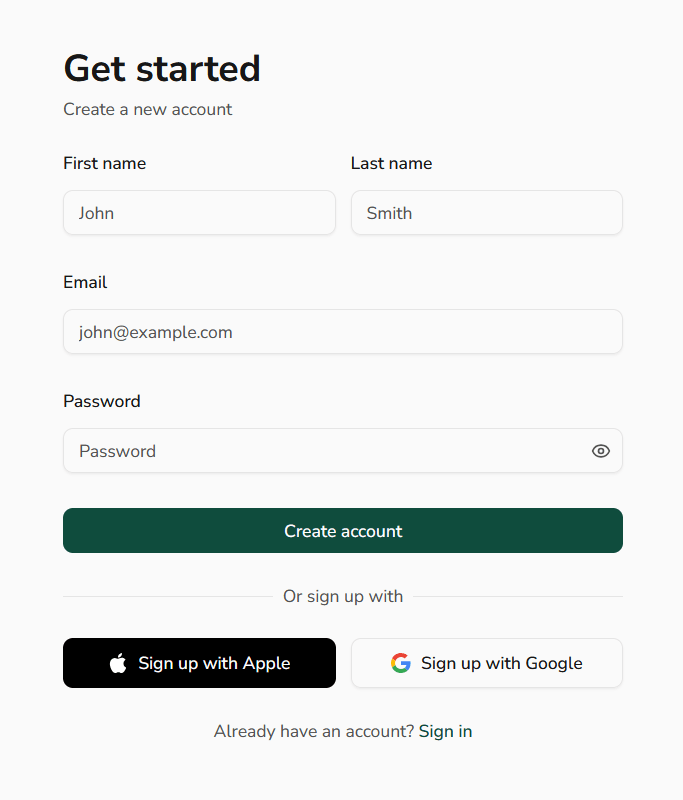
Sprout starts with a standard signup screen. You enter your first and last name, email address, and password, then create your account.
Step #02: Onboarding
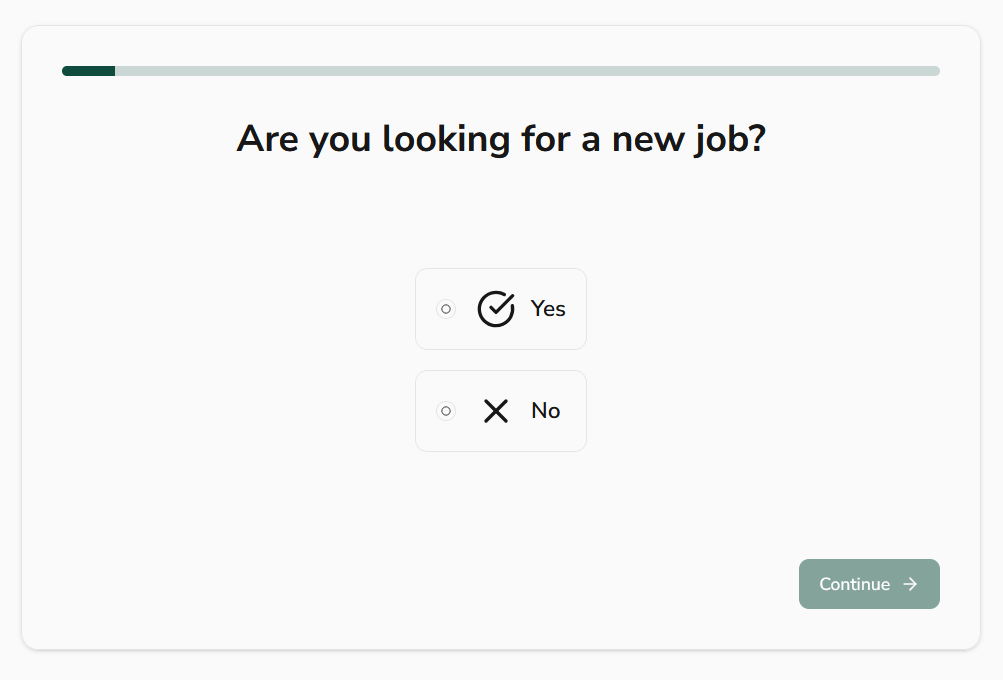
Next, Sprout asks a very obvious question: Are you looking for a new job?
You choose Yes or No and move on.
It feels a bit unnecessary, but this is clearly Sprout trying to separate active job seekers from people who are just browsing or exploring options.
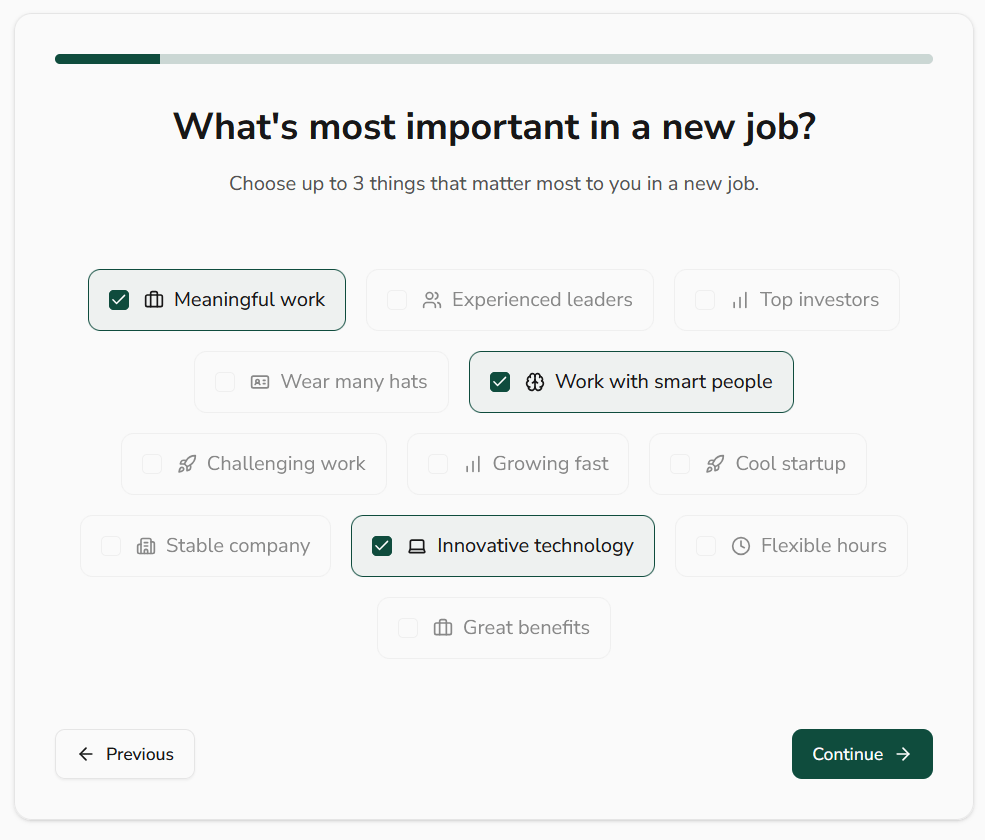
Next, Sprout asks you to choose up to three things that matter most in your next role.
Next, Sprout asks you to choose up to three things that matter most in your next role.
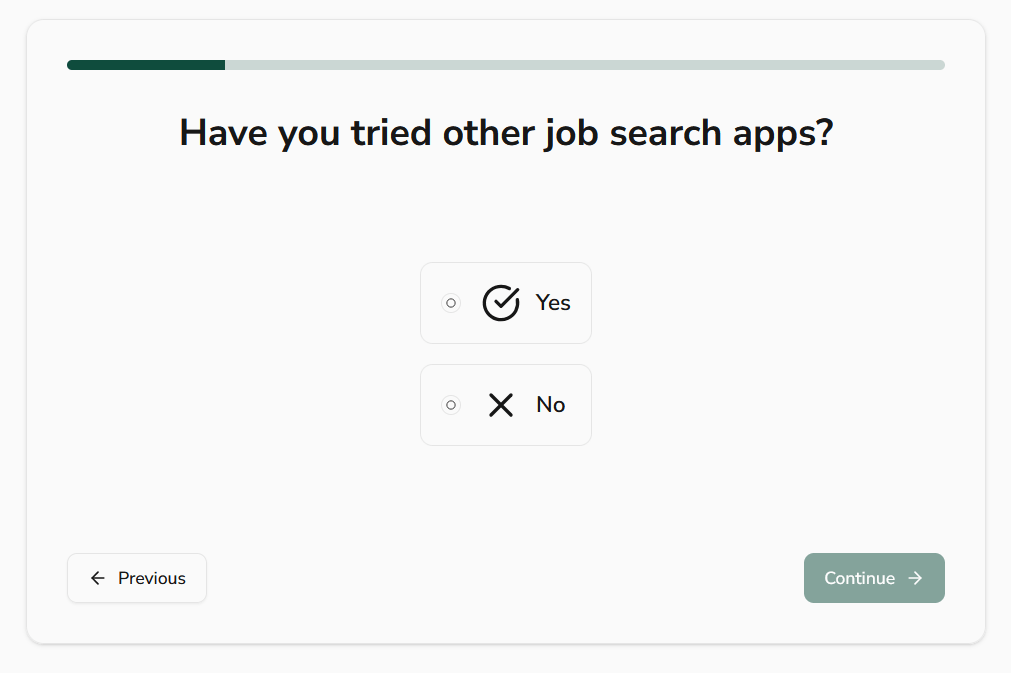
Sprout then asks if you’ve tried other job search apps before.
Step #03: Choose your job categories
At this stage, Sprout asks you to get more specific about the kind of job you’re looking for.
You can select up to three broad job categories, such as Marketing, Sales, Software Engineering, or Finance. After that, Sprout drills down further and asks you to pick the most relevant roles within those categories.

Step #04: Select your experience level
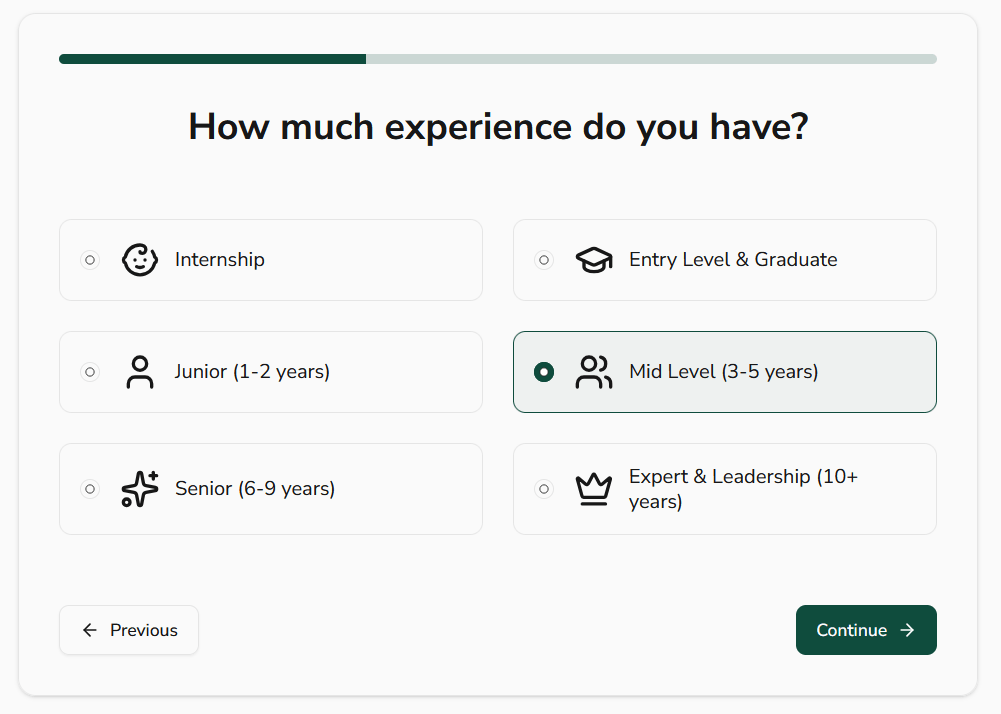
Next, Sprout asks how much professional experience you have.
You choose from options like Internship, Entry Level, Junior, Mid Level, Senior, or Expert & Leadership.
Step #05: Set your expected salary range
Sprout then asks you to define your expected salary range using a slider.
You set a minimum and maximum number, and Sprout uses that range to filter roles it considers relevant.
Step #06: Choose your primary goal
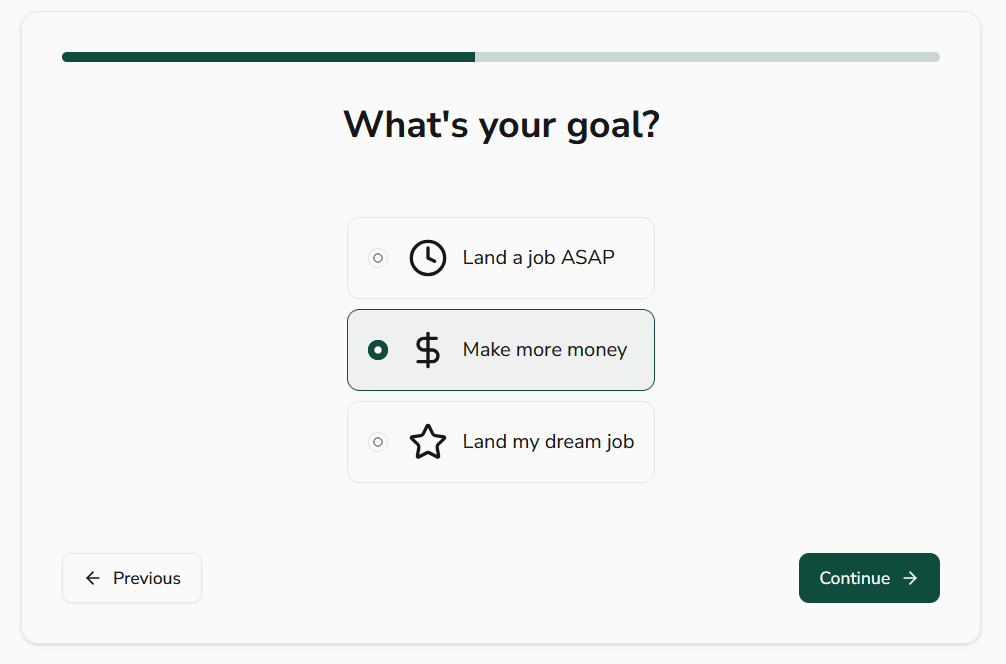
Next, Sprout asks you to pick your main job-search goal.
You can choose between landing a job ASAP, making more money, or landing your dream job.
Step #07: Set your weekly interview target
Sprout then asks how many interviews you want per week and lets you pick a number using a slider.
You can choose anywhere from 1 to 7 interviews.
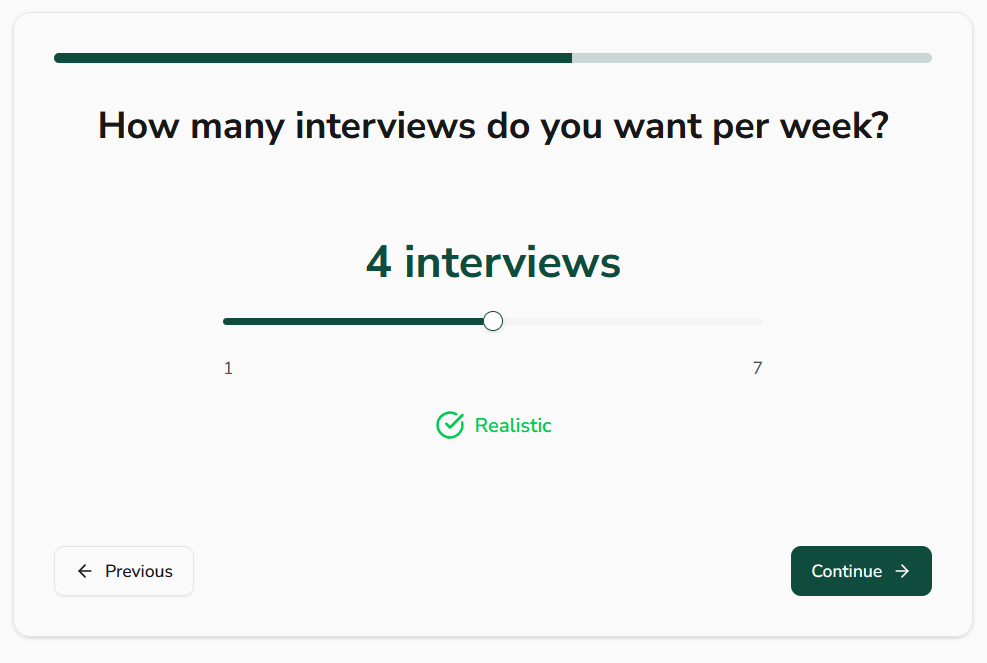
As a job seeker, this step feels a bit disconnected from reality.
You don’t really decide how many interviews you’ll get in a week. That’s shaped by market demand, how competitive the role is, how strong your profile is, and plain timing.
Step #08: Choose your job search timeline
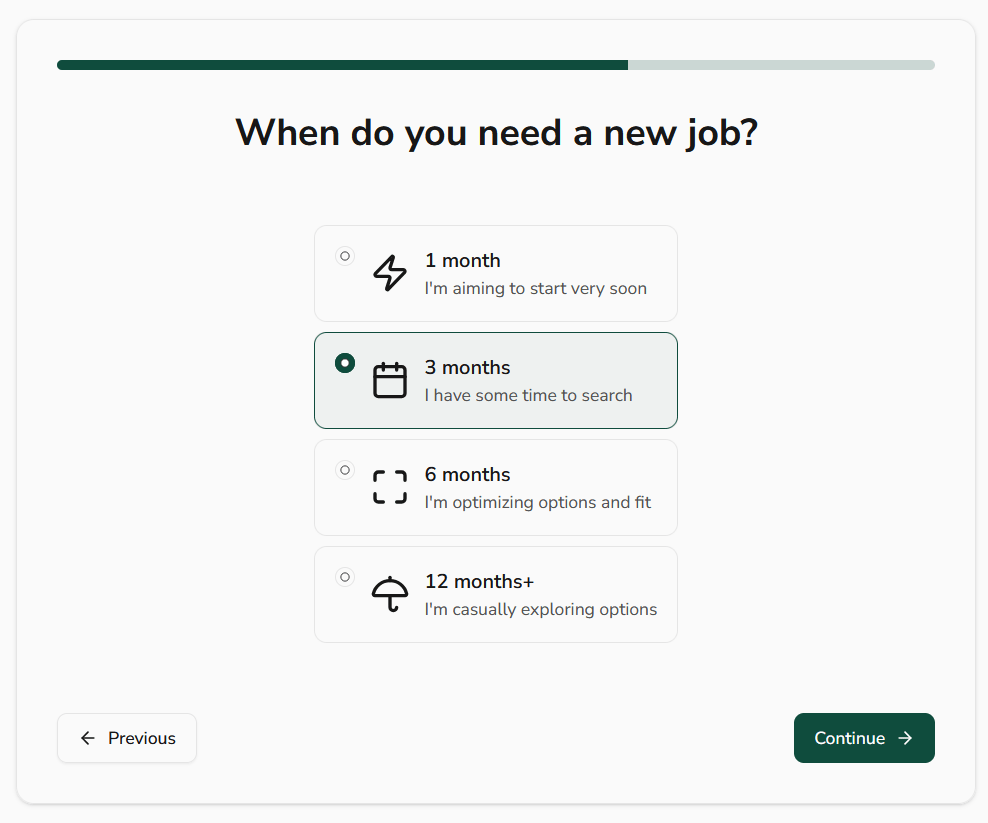
Sprout then asks when you need a new job, with options ranging from 1 month to 12 months+.
Step # 09: Identify what’s holding you back
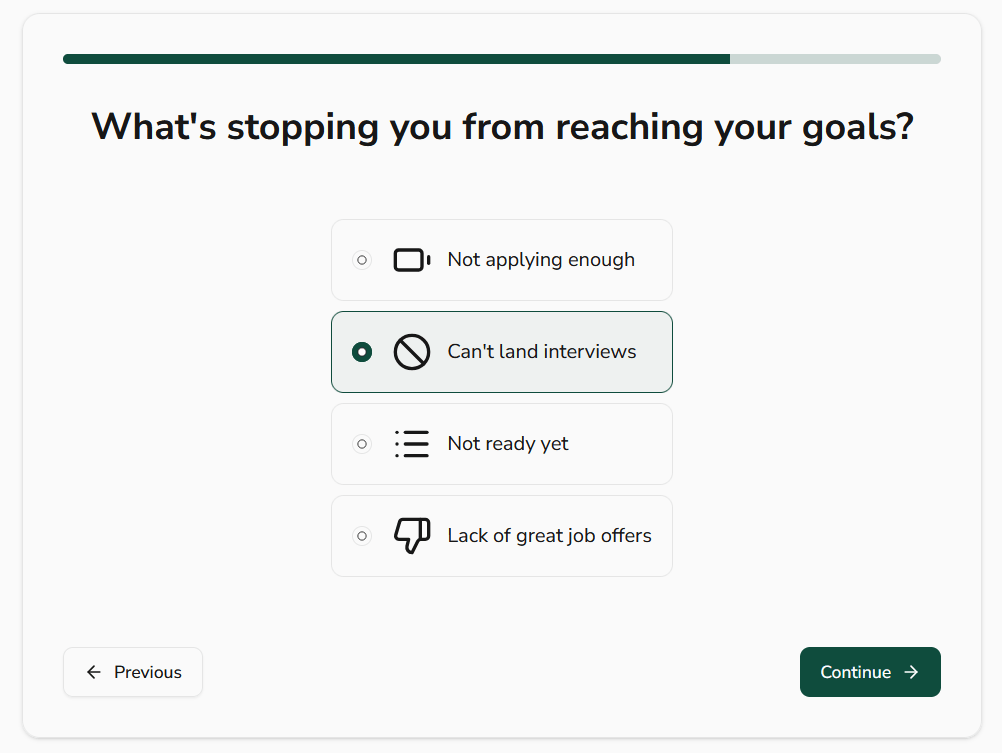
Sprout then asks what’s stopping you from reaching your job-search goals.
You pick one option, such as not applying enough, can’t land interviews, not ready yet, or lack of great job offers.
Step #10: Clarify what you actually want to accomplish
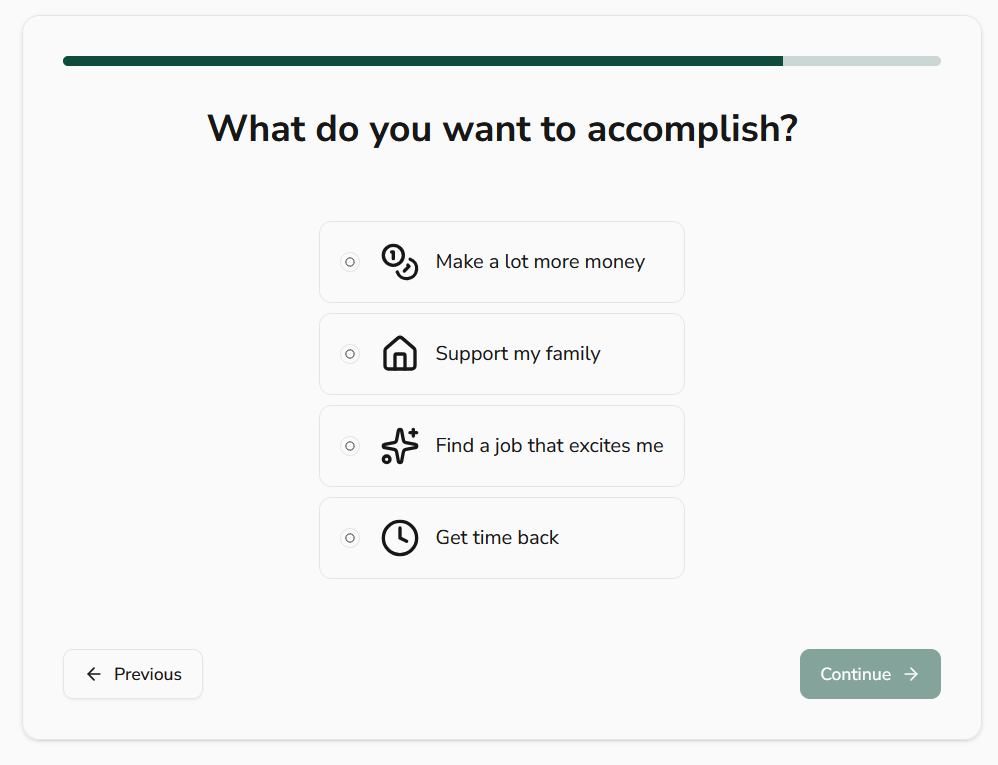
Sprout asks what you want to accomplish…
Step #11: How you heard about Sprout
At this point, the onboarding starts to feel… too long.
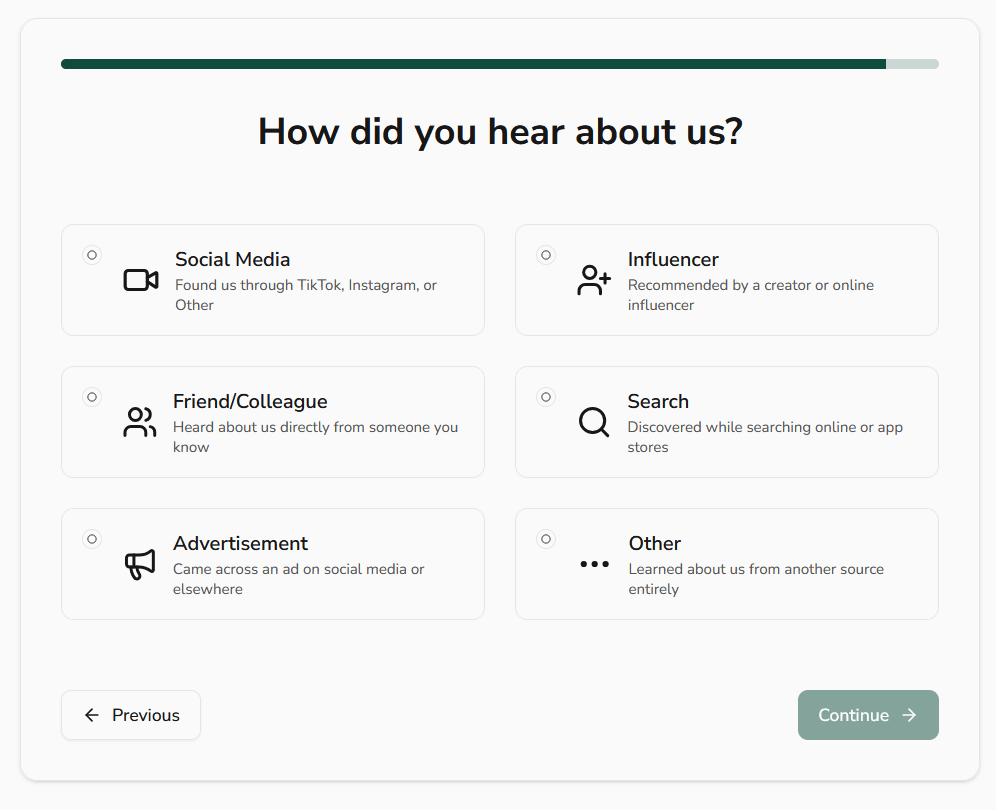
Sprout asks how you heard about them, with options like social media, influencer, ads, search, or referrals. This one is clearly for marketing attribution rather than helping your job search in any direct way.
Step #12: Referral code
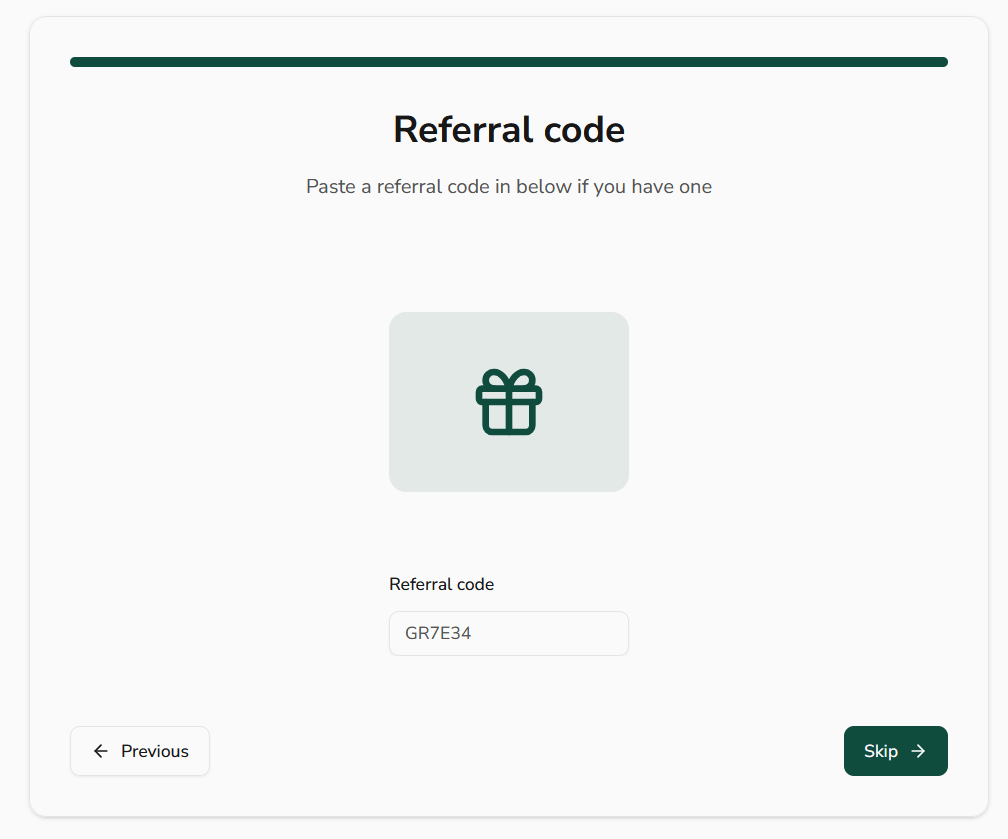
Sprout asks if you have a referral code. You can paste one in or skip the step entirely.
Step #13: Invite friends before you even start
Right after onboarding, Sprout prompts you to invite three friends before getting started.
Now, it seriously felt excessive. You haven’t seen jobs, tested applications, or experienced any real value yet, but you’re already being nudged to promote the product.
Step #14: Hit the paywall
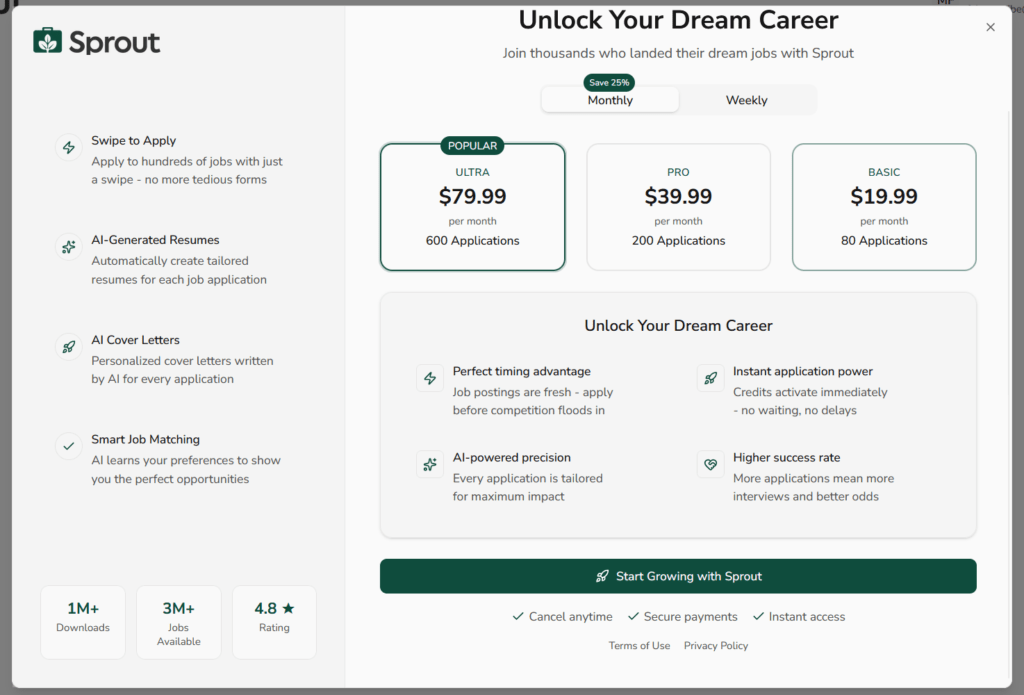
After completing onboarding, I was prompted to choose a paid plan before I could actually proceed and use the core features. There was no meaningful free trial that let me test job applications, tracking, or automation beyond the setup flow.
As a job seeker, that’s disappointing. After answering 15 onboarding questions, you still don’t get to test core features without committing upfront.
Step #15: Add your phone number
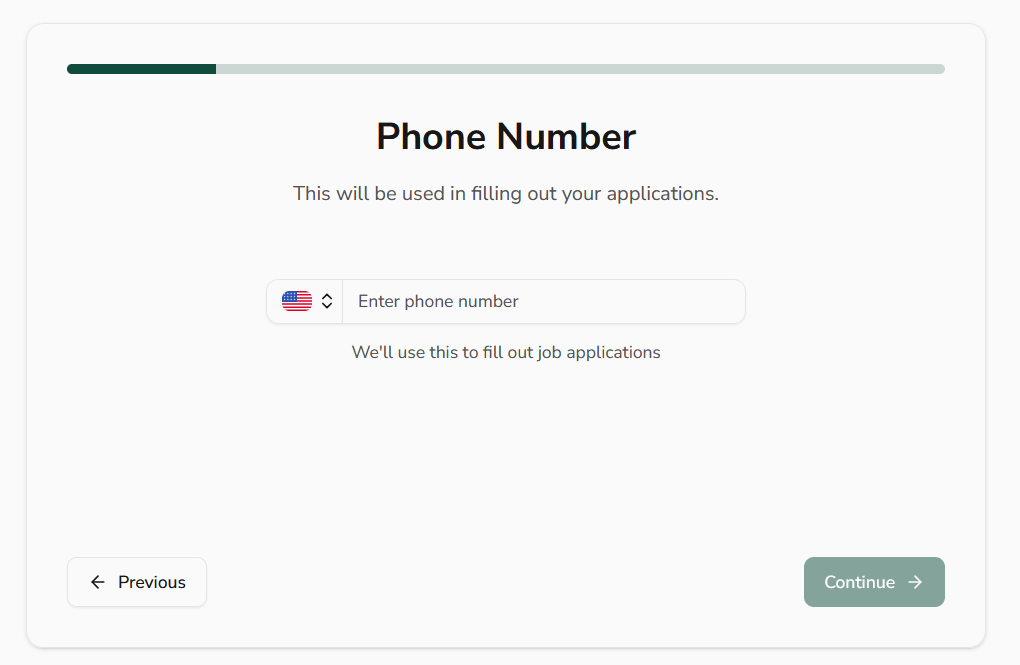
After the paywall, Sprout asks for your phone number, stating it will be used to fill out job applications automatically.
Step #16: Enter your personal details
Next, Sprout asks for your age, saying it will be used to personalize recommendations.
They also ask for a long list of additional personal and demographic details during this stage of setup, including gender, race, full address, disability status, citizenship or visa status, veteran status, sexual orientation, and professional URLs.
Step #17: Decide whether Sprout writes your cover letters
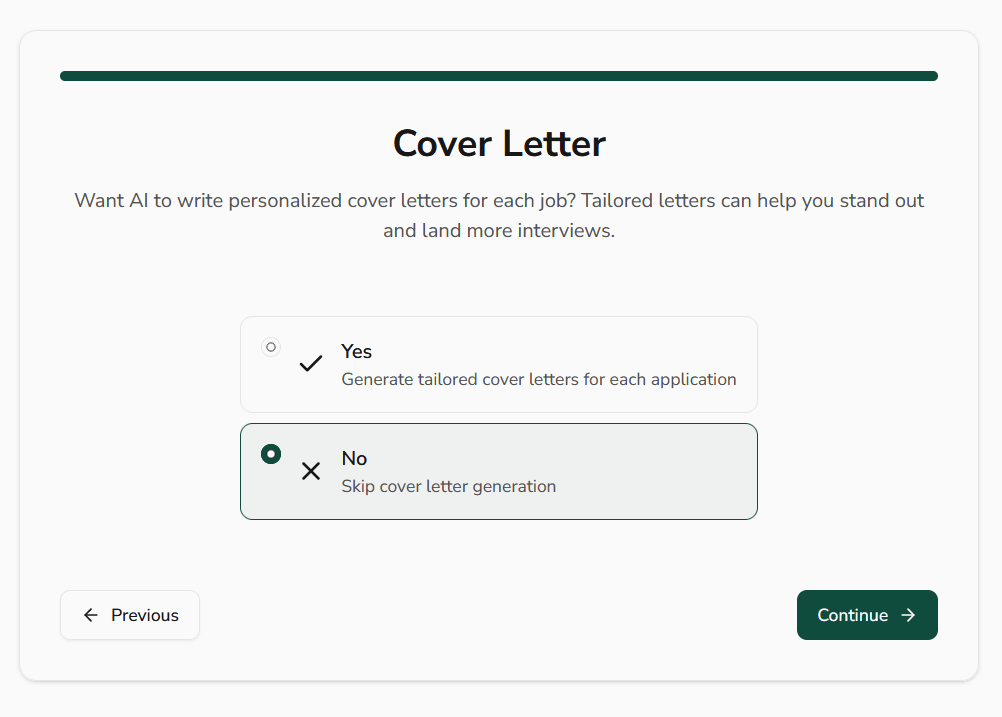
Sprout then asks if you want AI-generated cover letters for each job application.
You can opt in to have tailored cover letters generated automatically, or skip this entirely.
Step #18: You finally land on the job board
After all the onboarding, paywall prompts, and data collection, you’re finally shown actual job listings.
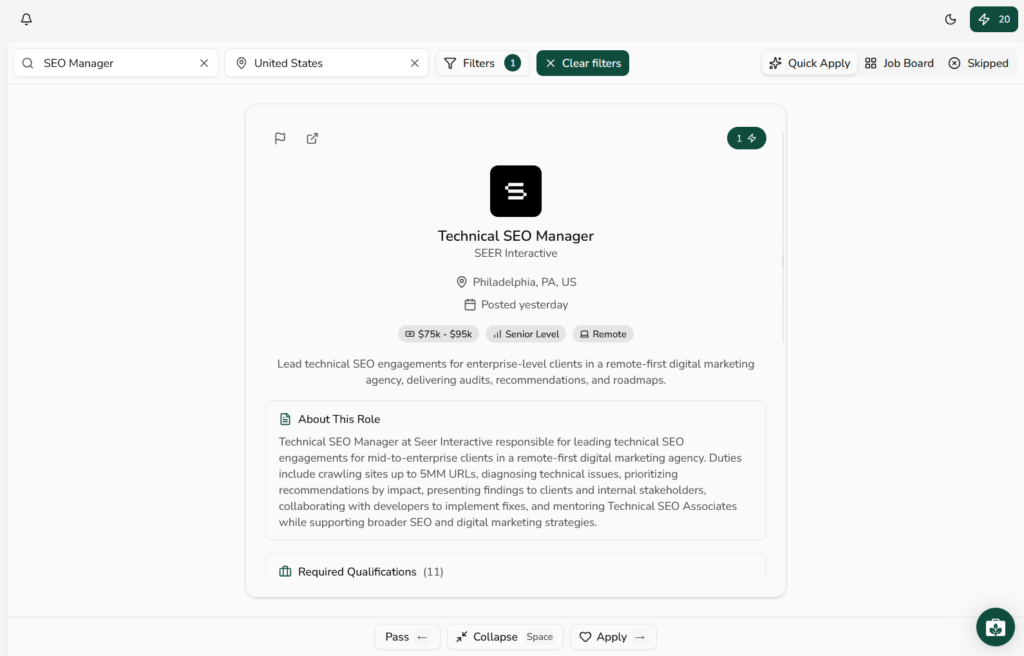
Sprout presents jobs in a swipe-style interface with filters at the top. You can search by role, location, and apply additional filters. Each job card shows basic details like company name, location, seniority level, salary range (when available), and posting date. You can pass, save, or apply directly from the interface.
Step #21: Apply with one click
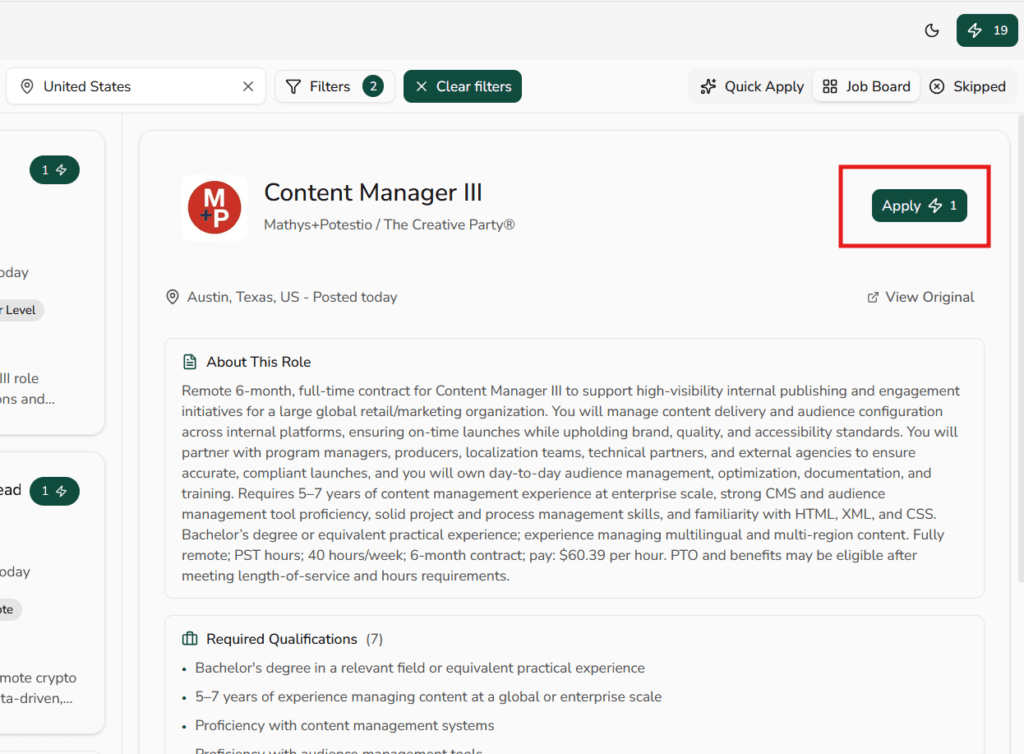
Once you’re inside a job listing, Sprout highlights a Quick Apply button that lets you apply using its automation credits.
The idea is simple: click once, and Sprout fills out the application on your behalf using the information you provided earlier.
Step #22: Review AI-generated documents
After you click apply, Sprout shows your application as “in progress” and prompts you to review the resume and cover letter it generated for that role.
You can view the AI-generated resume and cover letter, but there’s no option to make manual changes. Your only choice is to request a regeneration and hope the next version is better.
Step #23: Applications are auto-filled
Sprout automatically fills out screening questions inside the application, based on your profile and resume.
In my case, the answers were accurate and aligned with the role requirements.
Sprout Pricing
Sprout uses a tiered pricing model with Basic, Pro, and Ultra plans, each capped by how many applications you can send per month.
Pricing changes depending on whether you choose weekly or monthly billing, with monthly plans offering roughly a 25% discount compared to paying week by week.
At a glance:
- Basic: $19.99 for 80 applications per month
- Pro: $39.99 for 200 applications per month
- Ultra: $79.99 for 600 applications per month
What It Means for Your Budget
Sprout offers weekly and monthly billing, which is better than tools that lock you into annual plans.
That said, the costs can add up quickly if you rely heavily on automation and burn through application credits. The pricing only makes sense if the applications being sent are high-quality and well-targeted
What Are Customers Saying About Sprout?
At the time of writing this review, there are no reviews for Sprout on Trustpilot.
Most of the feedback available publicly comes from short, in-product reviews or scattered comments on social platforms or the Play Store.
Sprout Pros: Where It Stands Out
Easy-to-Use Interface
Sprout’s interface is clean, modern, and easy to navigate. Job cards are readable, filters are simple to apply, and actions like pass, save, or apply are clearly placed.
Email integration
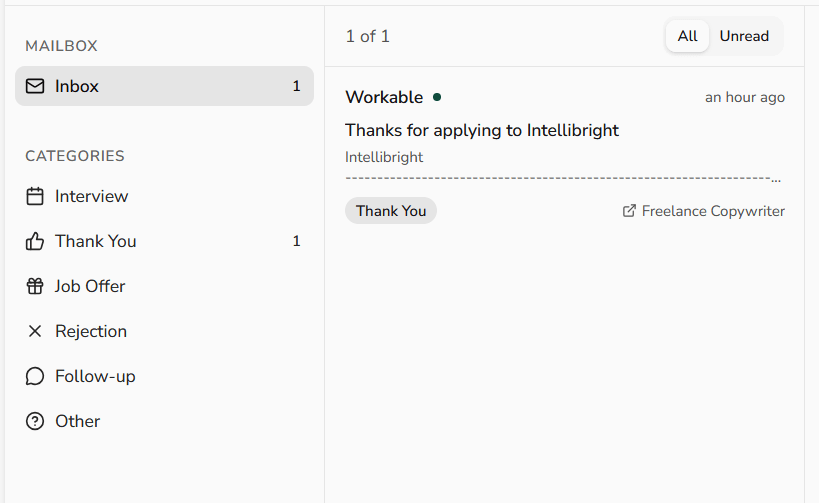
Sprout also includes email integration, which is something very few AI job-search tools handle well.
Once you start applying, Sprout pulls application-related emails into its own inbox and automatically categorizes them, such as Interview, Thank You, Job Offer, Rejection, or Follow-up.
Detailed profile capture for better automation
Another strength is how much structured information Sprout lets you store in one place.
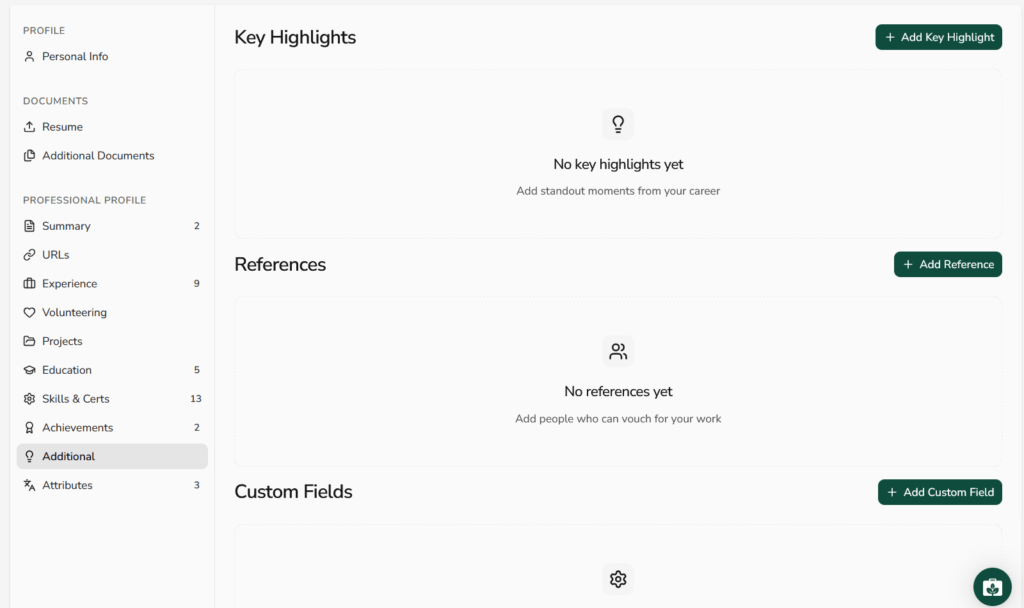
The platform collects and organizes a wide range of profile data: experience, projects, education, skills, certifications, achievements, references, custom fields, and even career highlights.
Some of it will be fetched from your resume. You can add the remaining sections manually. The more the better.
Mobile app available
Sprout also offers a mobile app on both the Apple App Store and Google Play.
Sprout Cons: Where It Falls Short
No real free trial
Despite “get started for free” messaging, Sprout does not offer a true free trial. You can complete onboarding, but you’re required to subscribe before you can meaningfully use the product.
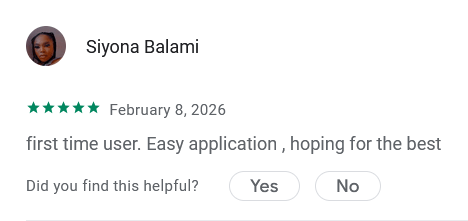
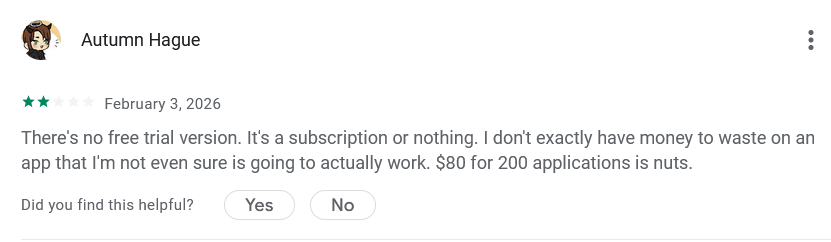
For job seekers, this is a real drawback. Paying upfront without being able to test core features creates friction, especially when pricing scales quickly based on application volume. As one early user pointed out, committing close to $80 without knowing whether the tool will actually work feels like a risky bet.
Long and tedious onboarding process
Sprout’s onboarding is unusually long. You’re asked to answer a large number of questions, share extensive personal and professional details, and sit through multiple setup screens before you see any real value.
The issue isn’t the questions themselves. It’s the payoff. After investing all that time, you eventually hit a hard stop where you’re asked to buy a plan to continue.
Irrelevant job suggestions
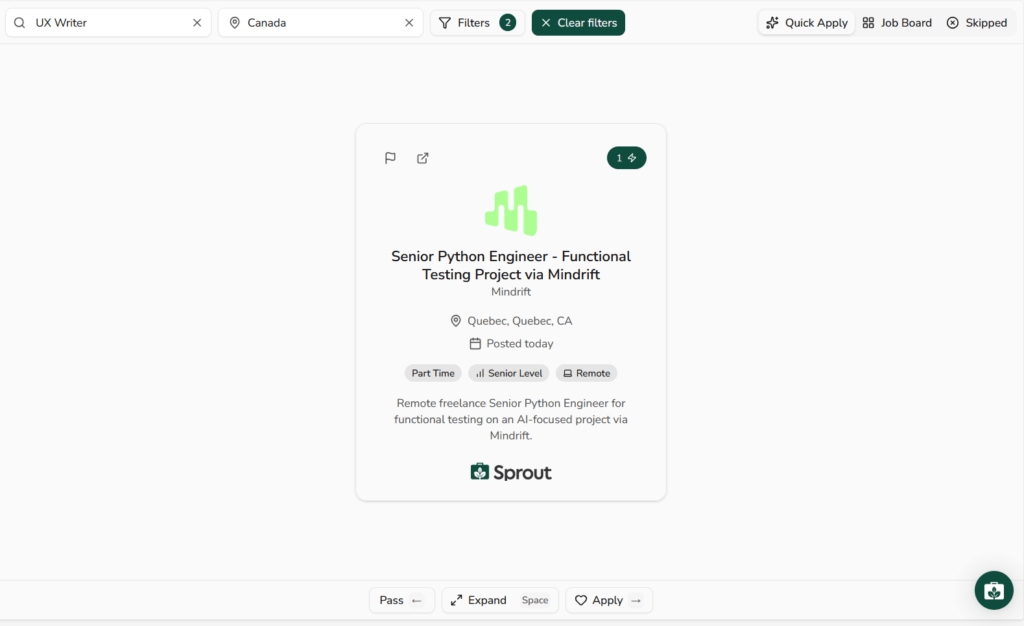
I also noticed some job suggestions that didn’t closely match the role I entered (as shown in the image below).
This may vary from person to person. In some locations or niches, job availability can be limited, which naturally widens the results. Still, showing loosely related or off-target roles weakens trust in the matching logic.
No manual editing of resumes or cover letters
Sprout generates resumes and cover letters automatically, but it doesn’t allow you to manually edit them.
You can review the documents and request a regeneration, but that’s it. There’s no way to tweak wording, adjust emphasis, fix small inaccuracies, or tailor content for a specific role
When to Use Sprout and When to Switch
Sprout can be useful in the right context, but it’s not a universal solution for every job search. Here’s how to think about when it makes sense to use Sprout.
- You want everything in one place: Sprout does a good job collecting resumes, documents, application statuses, and email responses into a single dashboard. If your job search feels scattered across inboxes and tabs, this consolidation helps.
- You’re targeting standard, well-defined roles: Sprout works best when job requirements are predictable and application questions are straightforward. In those cases, automation holds up reasonably well.
- You’re comfortable trusting automation: If you’re okay letting a tool submit applications, generate documents, and answer screening questions with limited manual oversight, Sprout aligns with that mindset.
Consider switching or alternative approaches when…
- You care deeply about tailoring each application: If you want to tweak resumes, customize cover letters, or control phrasing line by line, Sprout will feel restrictive. The lack of manual editing is a real blocker for high-intent applications.
- You’re early in your job search and still exploring: When you’re figuring out direction, roles, or positioning, paying upfront for automation may be premature. At that stage, manual searching and refinement often matter more than speed.
- Your budget is tight: Sprout requires payment before you can meaningfully test its value. If cost is a concern, committing without hands-on validation can feel risky.
- You need highly accurate job matching: If relevance matters more than volume, occasional off-target job suggestions can be frustrating. In that case, a more selective search approach may serve you better.
JobCopilot: The Best Sprout Alternative for AI Job Hunting
Sprout and JobCopilot solve similar problems, but they approach job hunting from different directions.
Sprout leans heavily into volume-based automation and charges more as you increase application limits. That can get expensive quickly, especially if you’re still experimenting with filters or figuring out what roles actually make sense for you.
JobCopilot takes a more controlled approach. It focuses on helping you consistently find and apply to relevant roles, while keeping you in control of what gets submitted.
Why JobCopilot can make more sense than Sprout
Lower cost for comparable automation
Sprout’s pricing scales sharply with application volume. JobCopilot tends to be more cost-efficient (20 Job Matches Daily for $8.90 weekly) for ongoing job searches because plans are structured around job matching and automation workflows.
You can review and edit before submitting
One of the biggest differences: JobCopilot allows you to review and edit AI-generated answers before anything is submitted. That keeps automation useful without giving up control, especially important for roles you actually care about.
Automation that learns, not just repeats
Over time, JobCopilot adapts to your edits, writing style, and job preferences. It doesn’t guarantee better results, but it reduces repetitive work while staying aligned with how you apply.
Better fit for sustained job searches
If your search lasts more than a few weeks, pricing and control start to matter more than raw speed. JobCopilot is better suited for longer, more deliberate job hunts where relevance and cost discipline matter.
Built-in access to hiring managers
For each application, you can find relevant decision-makers based on function, seniority, and location, then reveal their email and LinkedIn profile using included credits. This makes follow-ups intentional instead of guesswork.
Automate your job search the practical way. Sign up for JobCopilot today!
Automate Your Job Applications with AI 🚀
Try the leading AI Copilot for job seekers – autonomous, safe, fully personalized, and trusted by 100,000+ users to land interviews faster.
Check Out JobCopilot →FAQs
Does Sprout actually apply to jobs on your behalf?
Yes. Sprout can submit applications automatically using the information you provide during onboarding. This includes filling out forms, uploading resumes, and answering screening questions.
Can employers tell that Sprout was used to apply?
Employers receive your application as if it were submitted manually. There’s no visible “Sprout” branding sent to employers. That said, if AI-generated cover letters or answers sound generic, recruiters may still sense automation indirectly.
Can you use Sprout just as a job tracker?
Technically yes, but it’s not cost-effective if tracking is your only goal. There are free or cheaper tools that handle application tracking without requiring automation credits or paid plans.