
Use our extension to auto‑fill job forms anywhere online & apply in seconds
Every job application asks for the same information: name, experience, education, screening questions, etc.
You end up:
Copy‑pasting from your resume into endless fields
Re‑typing answers you’ve already given dozens of times
Spending more time on forms than on actually preparing for interviews
Complete applications in seconds on any site, even outside JobCopilot. Here’s how it saves time and keeps you consistent
Uses your saved resume, details, and answers—no manual entry. Cuts 15–20 minute forms to a few clicks.

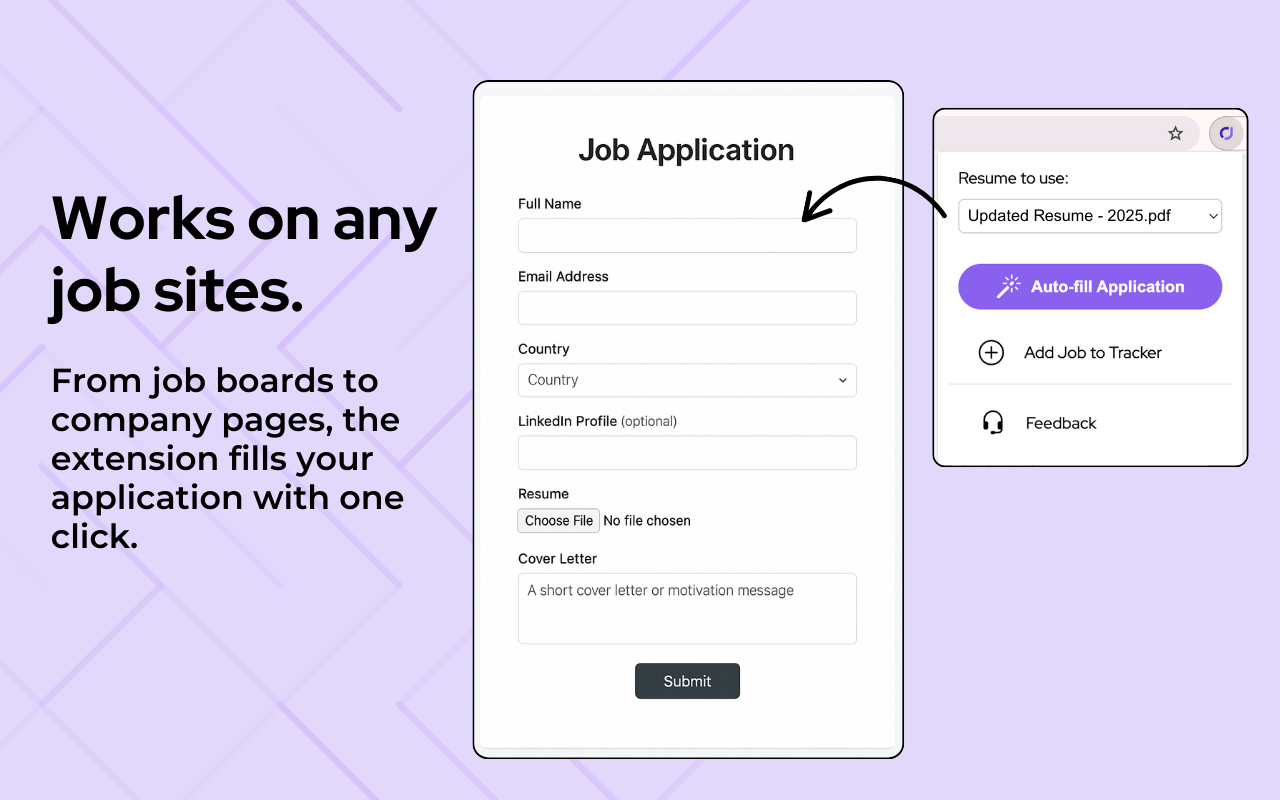
Company pages, job boards, ATS (even without “quick apply”). Apply confidently to roles your copilot hasn’t scanned.
Answer screening questions once in JobCopilot then the extension reuses them consistently across sites, with no repetition.
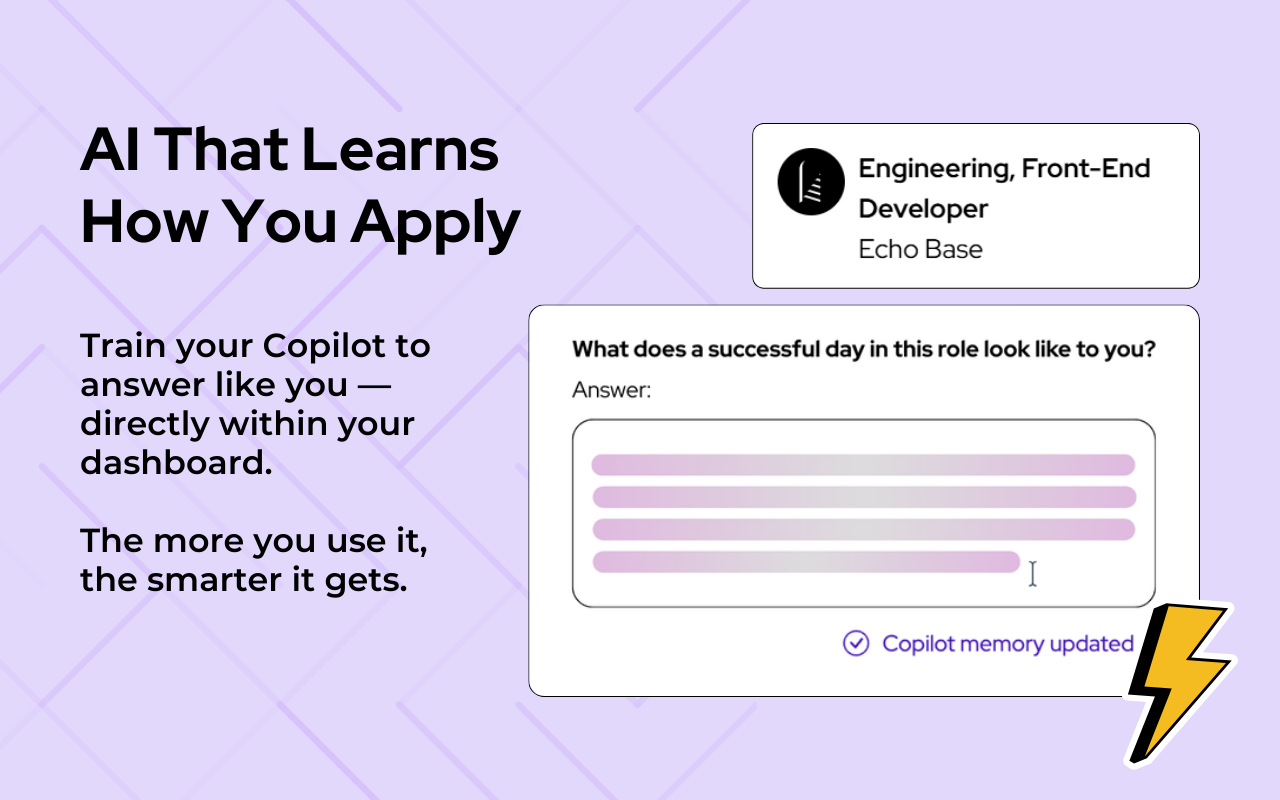
It pulls from your AI‑learning profile for personalized responses. Review and tweak before submitting for full control.
From install to first auto‑filled application in a few minutes
Upload your resume and fill in your profile once, including standard screening questions and personal details.
Add it to Chrome from the Chrome Web Store and sign in with the same JobCopilot account.
Open any job application (company site, job board, ATS), click the extension to auto‑fill fields from your JobCopilot profile, then review, tweak, and submit with confidence.
Yes. Your resume, personal details, and screening answers are stored in your JobCopilot profile. The extension uses that information to auto‑fill job applications.
The chrome extension is free to install, however you will need an active JobCopilot subscription plan in order to use its auto-fill capabilities and other functions.
No. The personalization features ensure your applications sound natural and authentically like you, not AI-generated content.
The extension is designed to work on most job application forms, including many job boards, career portals, and company career pages. For forms it can’t fully detect, you can still use your JobCopilot profile to quickly copy‑paste the right information.
On external sites, you stay in control. The extension auto‑fills the fields, and you review and submit the application yourself.