
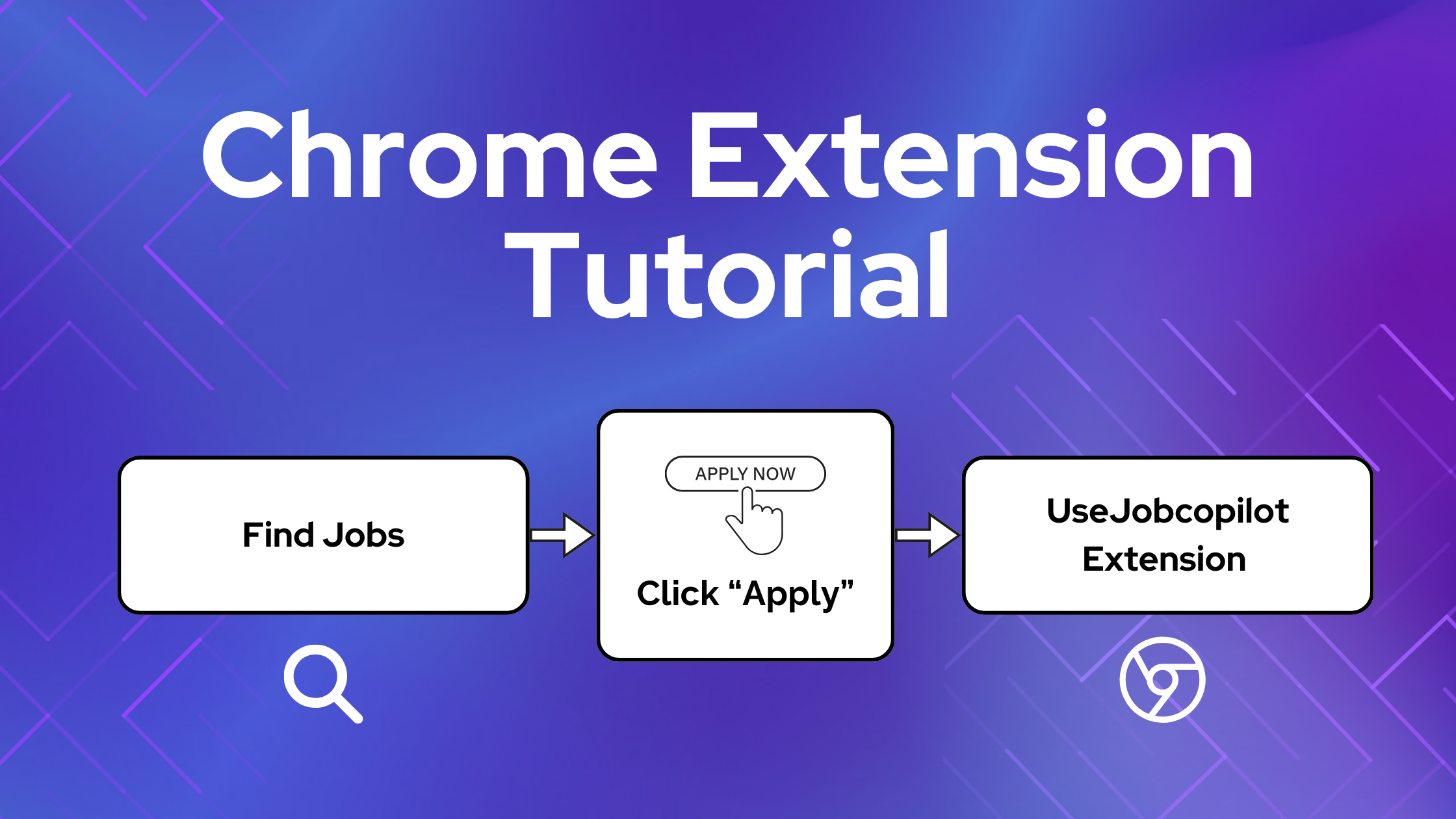
The JobCopilot Chrome Extension helps you complete job applications faster by automatically filling in your details on external job sites.
This guide will show you exactly how it works, when to use it, and how to avoid common issues.
Table of Contents
What Does the JobCopilot Chrome Extension Do?
The JobCopilot Chrome Extension automatically fills out job application forms on any website using your JobCopilot profile, including:
- Personal details
- Work experience
- Uploaded resume
- Answers to screening questions
- Training data that copilot has learnt from you
⚙️ Ready to automate your job search?
Join thousands of professionals who landed 10x more job interviews with JobCopilot. Try it today!
- Up to 50 jobs auto-applied per day
- Advanced job matching
- Job application tracker
When to use the JobCopilot Chrome Extension?
If you find jobs outside of JobCopilot that your copilot has not already applied to, you can then use the chrome extension to auto-fill these application, as well as save these jobs to your JobCopilot Application Tracker.
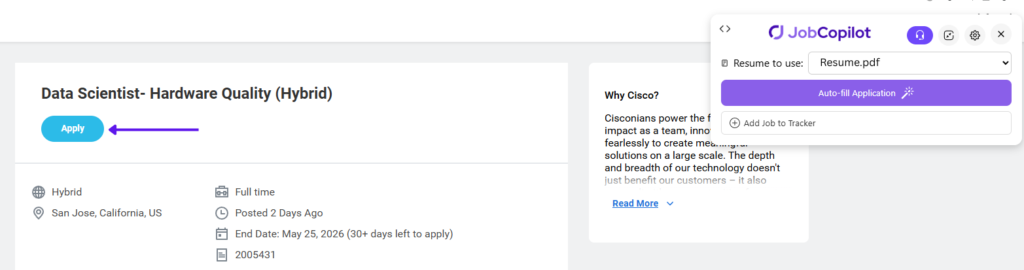
Use it on the Application, not the Job page
After you identify a job you’re interested in applying to – click the “Apply” button first before using the Jobcopilot Chrome Extension.
❌ Don’t use the extension on the job description page
✅ Click Apply to open the application form first
⚠️ IMPORTANT: The extension only works on the application form.
Using the JobCopilot Chrome Extension to Auto-fill
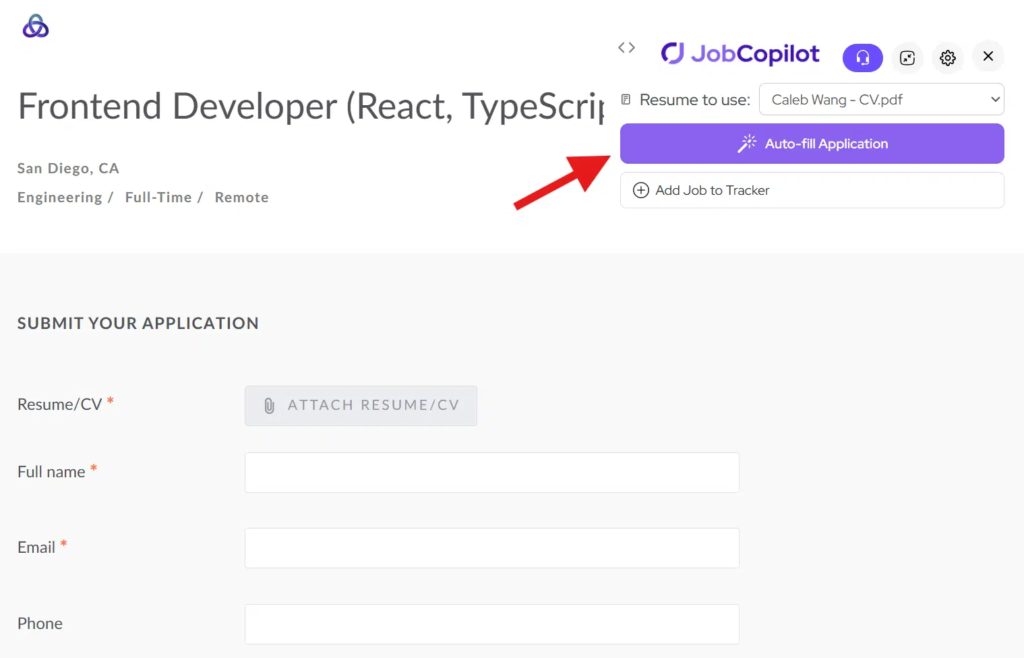
Step 1: Open the Application Form and Click Auto-fill
Click the Apply button to open the application form on the employer’s website.
Then click the “Auto-fill” button from the Chrome Extension.
The extension will read the questions on the page and generate answers.
Step 2: Review and Fill the Form
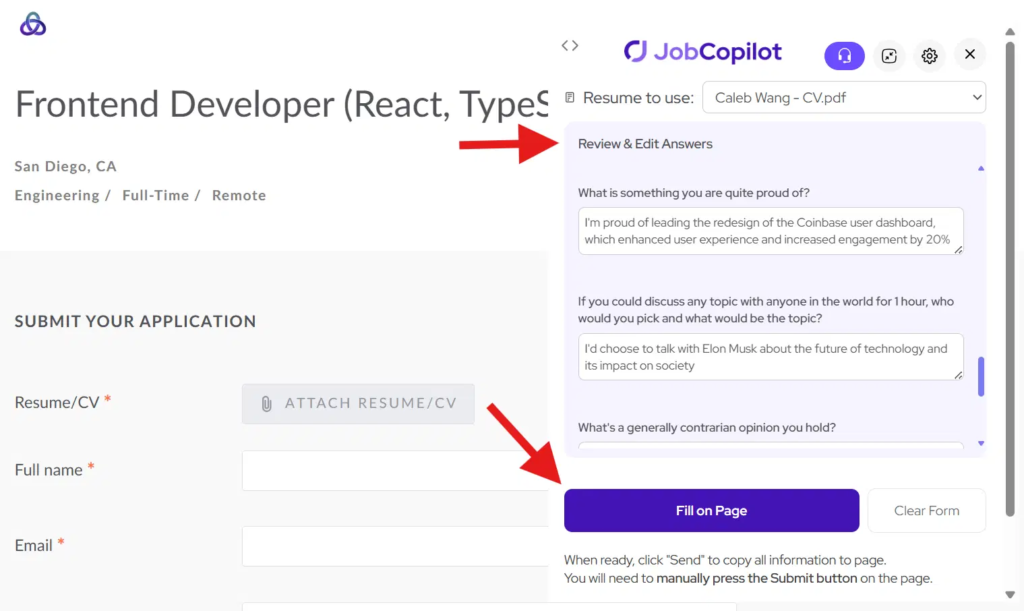
Review and edit any of the generated answers if needed.
Then click “Fill on Page” to copy all answers into the application form.
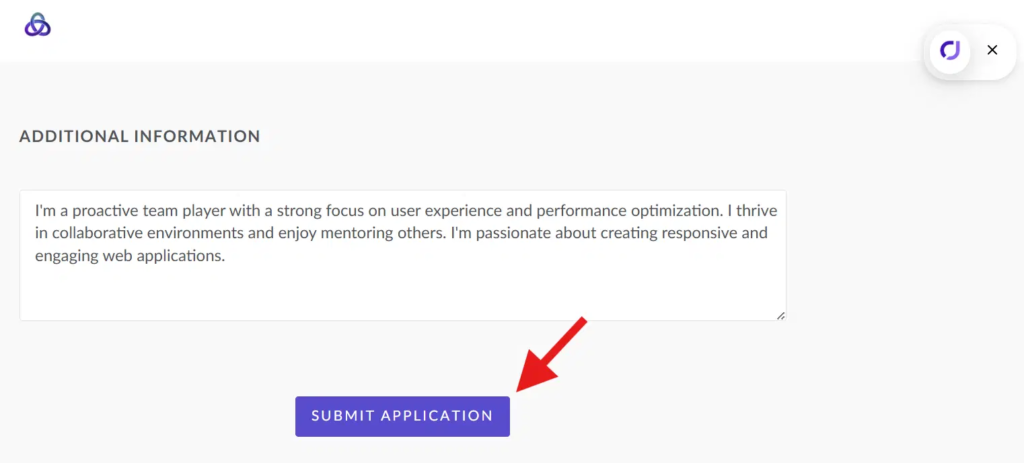
Step 3: Submit Your Application
Once everything looks good, click the Submit button on the application page.
Important Notes
- The extension only works on the application form, not the job description page
- Make sure you are logged into the employer’s website
- Some systems (e.g., Workday) may require additional manual input
Tips for Best Results
- Always click Apply before using the extension
- Review answers before submitting
- Keep your JobCopilot profile updated