
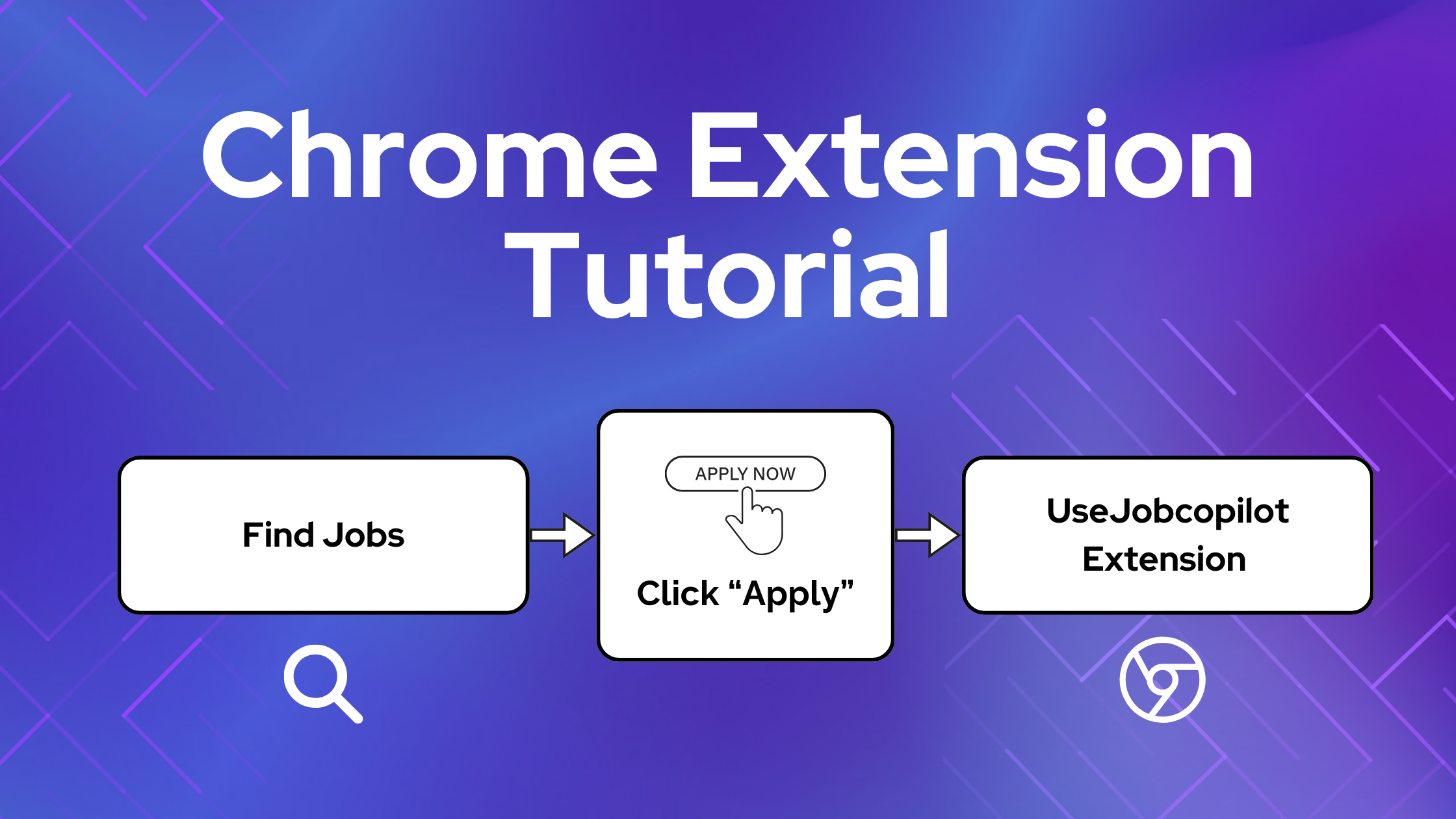
Die JobCopilot Chrome-Erweiterung hilft Ihnen, Bewerbungen schneller auszufüllen, indem sie Ihre Daten automatisch auf externen Jobseiten eingibt.
Diese Anleitung zeigt Ihnen genau, wie es funktioniert, wann Sie es verwenden sollten und wie Sie häufige Probleme vermeiden können.
Inhaltsverzeichnis
Was macht die Chrome-Erweiterung „JobCopilot“?
Die JobCopilot-Chrome-Erweiterung füllt Bewerbungsformulare auf jeder Website automatisch anhand Ihres JobCopilot-Profils aus, darunter:
- Persönliche Daten
- Berufserfahrung
- Hochgeladener Lebenslauf
- Antworten auf Screening-Fragen
- Trainingsdaten, die copilot von Ihnen gelernt hat
⚙️ Sind Sie bereit, Ihre Stellensuche zu automatisieren?
Schließen Sie sich Tausenden von Fachleuten an, die 10x mehr Vorstellungsgespräche mit JobCopilot. Versuchen Sie es heute!
- Bis zu 50 Arbeitsplätze prouto-angewendet pro Tag
- Erweiterte Stellenvermittlung
- Tracker für Bewerbungen
Wann sollte man die Chrome-Erweiterung „JobCopilot“ verwenden?
Wenn du Stellenangebote außerhalb von JobCopilot findest, auf die sich dein copilot noch nicht beworben hat, kannst du diese Bewerbungen mithilfe der Chrome-Erweiterung automatisch ausfüllen und die Stellenangebote in deinem JobCopilot-Bewerbungs-Tracker speichern.
Benutzen Sie es für die Bewerbung, nicht auf der Jobseite
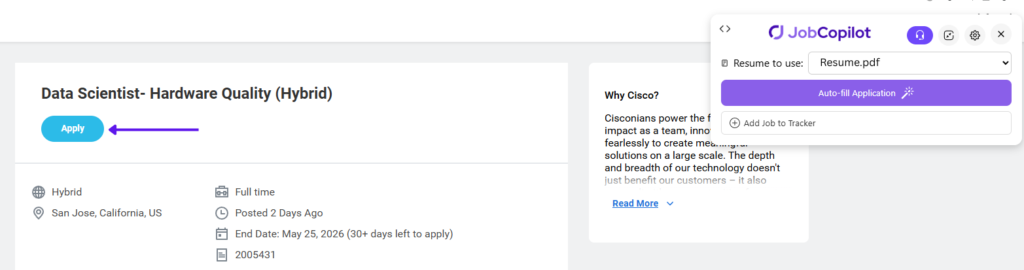
Wenn Sie eine Stelle gefunden haben, auf die Sie sich bewerben möchten, klicken Sie zunächst auf die Schaltfläche “Bewerben”, bevor Sie die Jobcopilot-Chrome-Erweiterung verwenden.
❌ Verwenden Sie die Erweiterung nicht auf der Seite mit der Stellenbeschreibung
✅ Klicken Sie auf Anwenden, um zuerst das Antragsformular zu öffnen
⚠️ WICHTIG: Die Erweiterung funktioniert nur auf dem Antragsformular.
Automatisches Ausfüllen mit der Chrome-Erweiterung „JobCopilot“
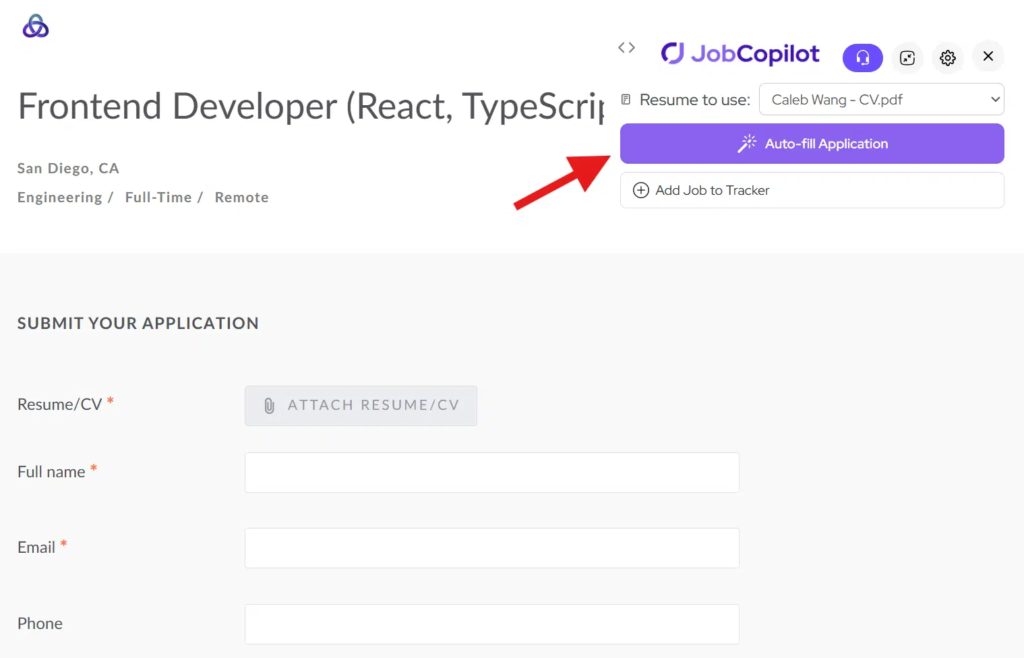
Schritt 1: Öffnen Sie das Antragsformular und klicken Sie auf "Automatisch ausfüllen"
Klicken Sie auf Bewerbung Schaltfläche zum Öffnen des Bewerbungsformulars auf der Website des Arbeitgebers.
Dann klicken Sie auf die “Autovervollständigung” Schaltfläche aus der Chrome-Erweiterung.
Die Erweiterung liest die Fragen auf der Seite und generiert Antworten.
Schritt 2: Überprüfen und Ausfüllen des Formulars
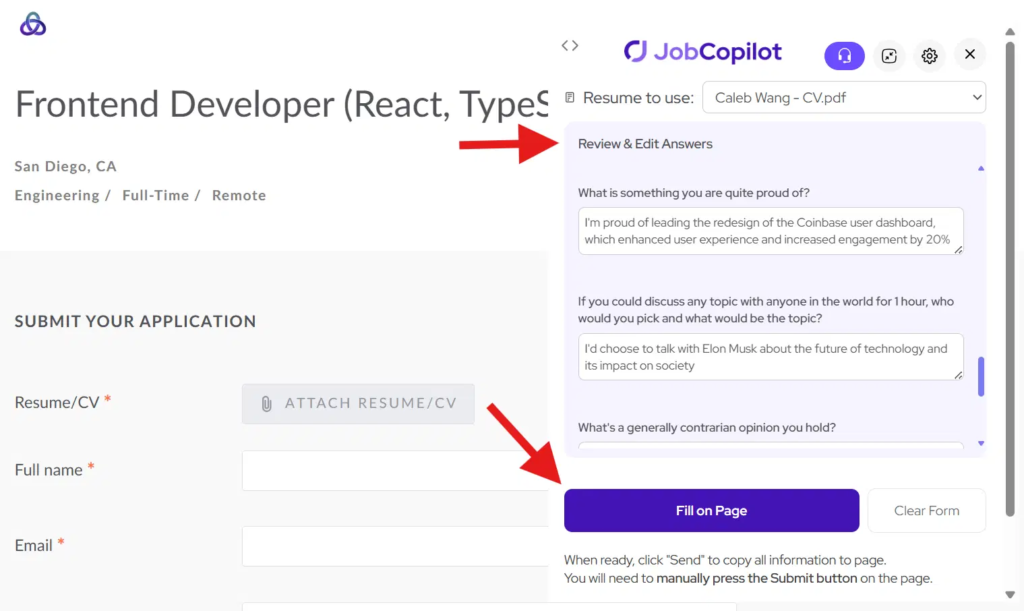
Überprüfen und bearbeiten Sie bei Bedarf alle generierten Antworten.
Dann klicken “Füllen auf Seite” alle Antworten in das Antragsformular zu kopieren.
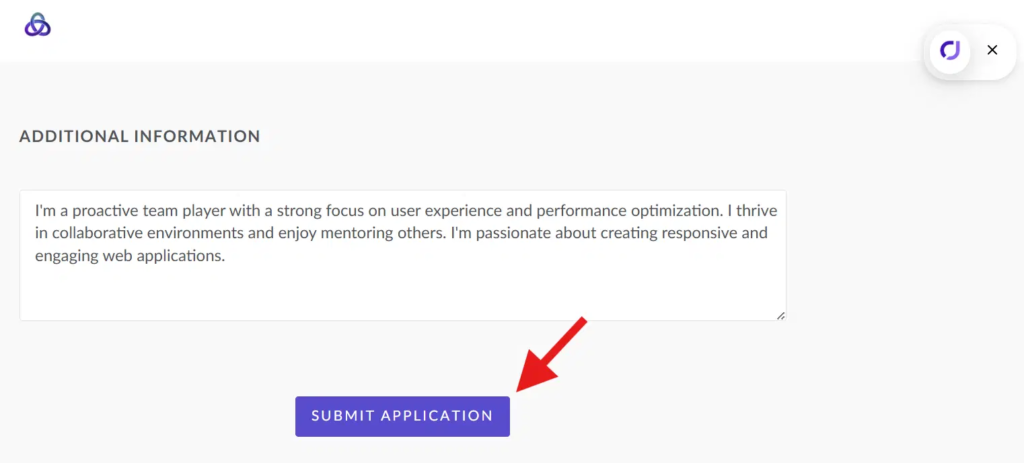
Schritt 3: Reichen Sie Ihre Bewerbung ein
Sobald alles gut aussieht, klicken Sie auf die Einreichen Schaltfläche auf der Anwendungsseite.
Wichtige Hinweise
- Die Erweiterung funktioniert nur auf dem Antragsformular, nicht die Stellenausschreibungsseite
- Stellen Sie sicher, dass Sie im System des Arbeitgebers angemeldet
- Manche Systeme (z.B. Workday) erfordern möglicherweise zusätzliche manuelle Eingaben
Tipps für beste Ergebnisse
- Immer klicken Bewerbung vor der Verwendung der Erweiterung
- Antworten vor dem Absenden prüfen
- Halten Sie Ihr JobCopilot Profil auf dem neuesten Stand